Description
- Hign-concerned Chemical: none
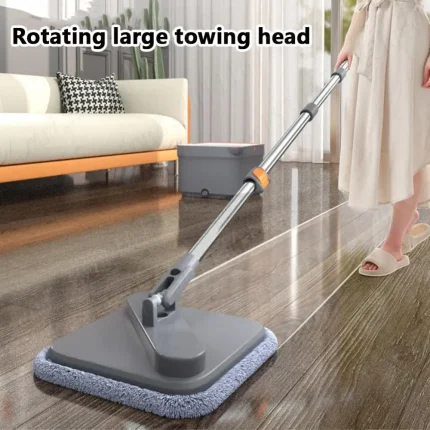
- Type: Electric Mops
- Mop Head Material: POLYESTER
- Pole Material: aluminum
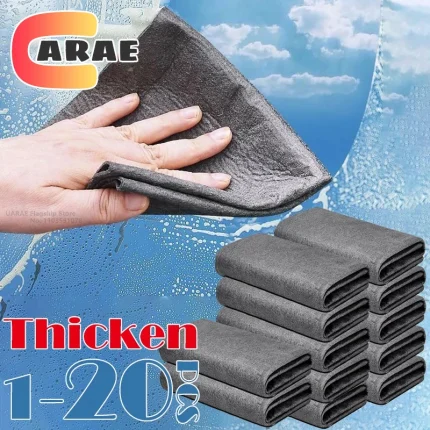
- Material: Microfibre Fabric
- Brand Name: XMSJ
- Origin: US(Origin)
If Customer Support is Needed
We can be reached at +1 8599558668
Working Hours : 9AM to 5PM( American Time from Monday to Friday)

FREE AS A BREEZE
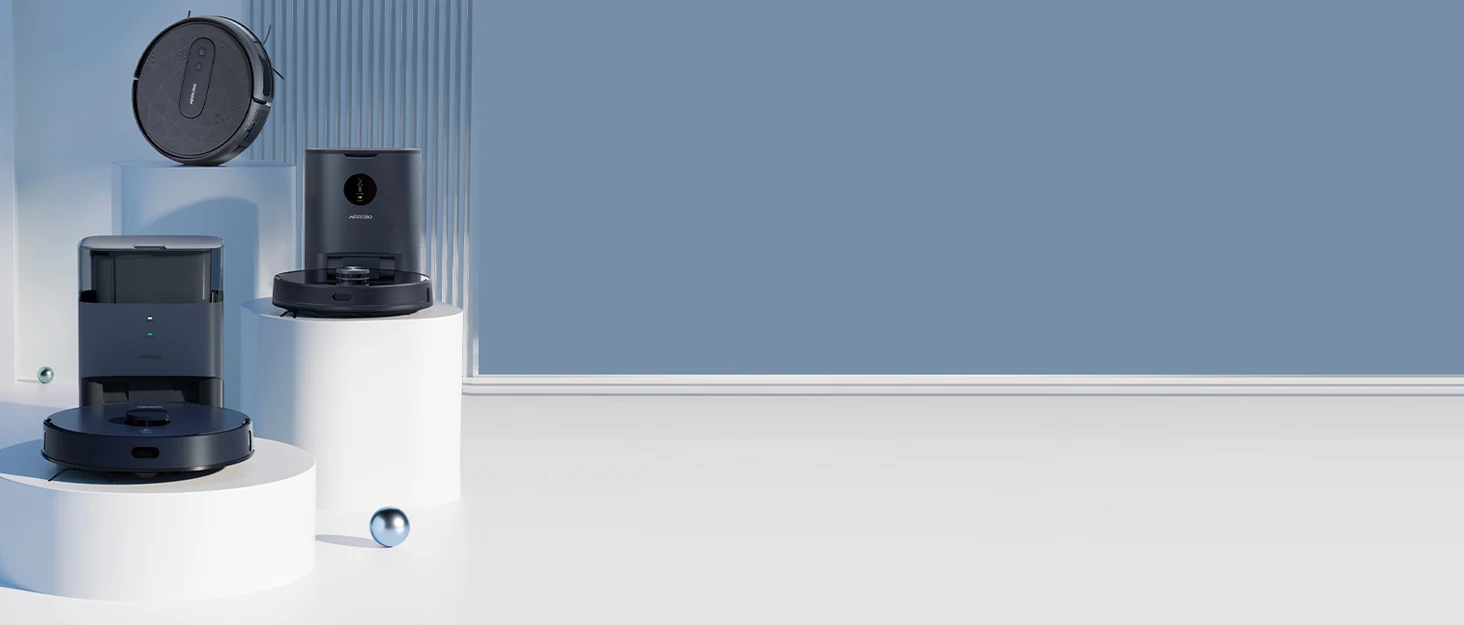
AIRROBO is a smart home appliance brand with a focus on AI-enabled technologies. Supported by world-leading enterprise in humanoid robotics field, AIRROBO is aiming to bring the most cutting-edge technology to more and more households around the globe, making smart home a new norm of life.
Reach us at +1 8599558668 for customer support (9AM to 5PM, Monday to Friday)
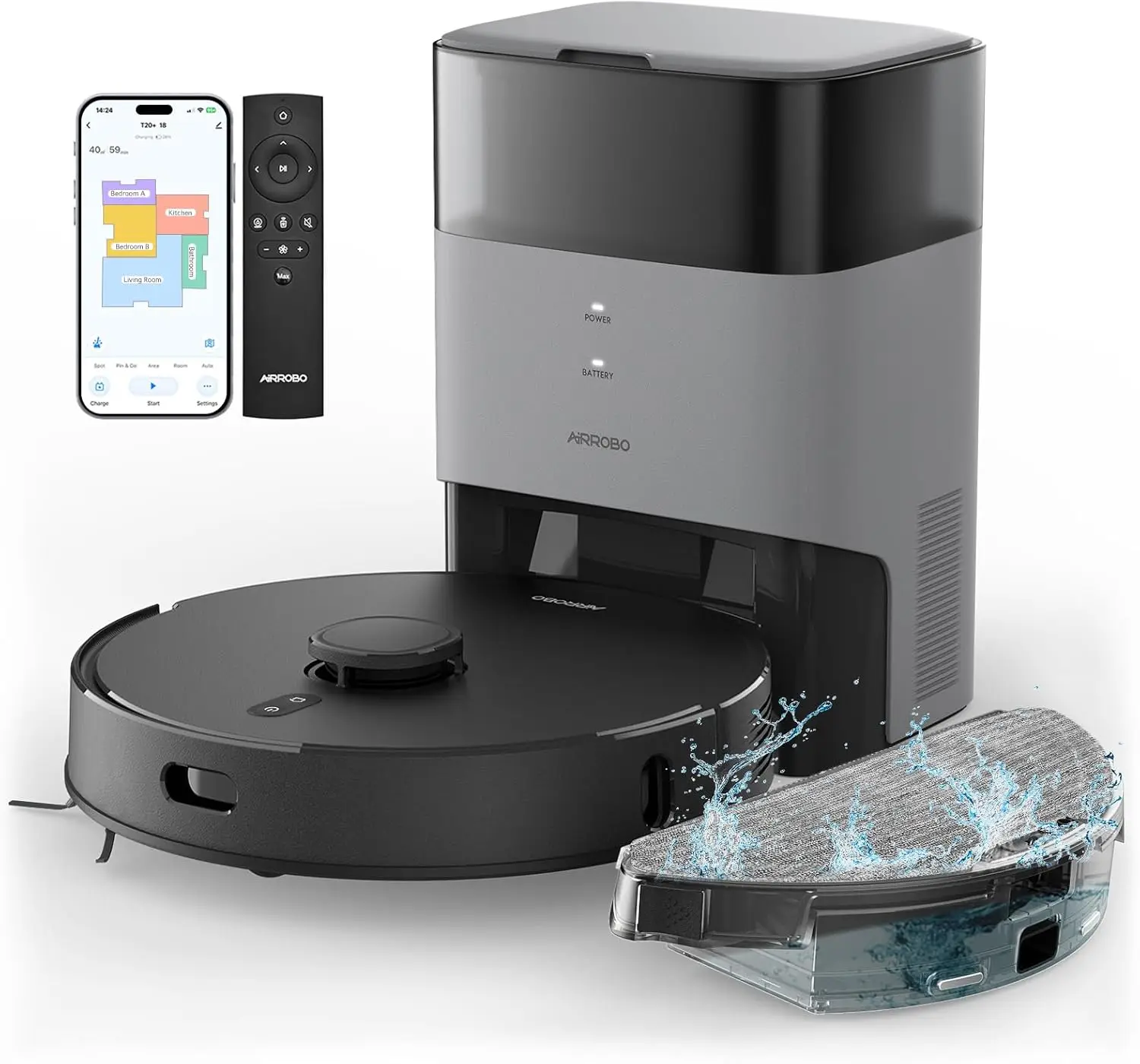
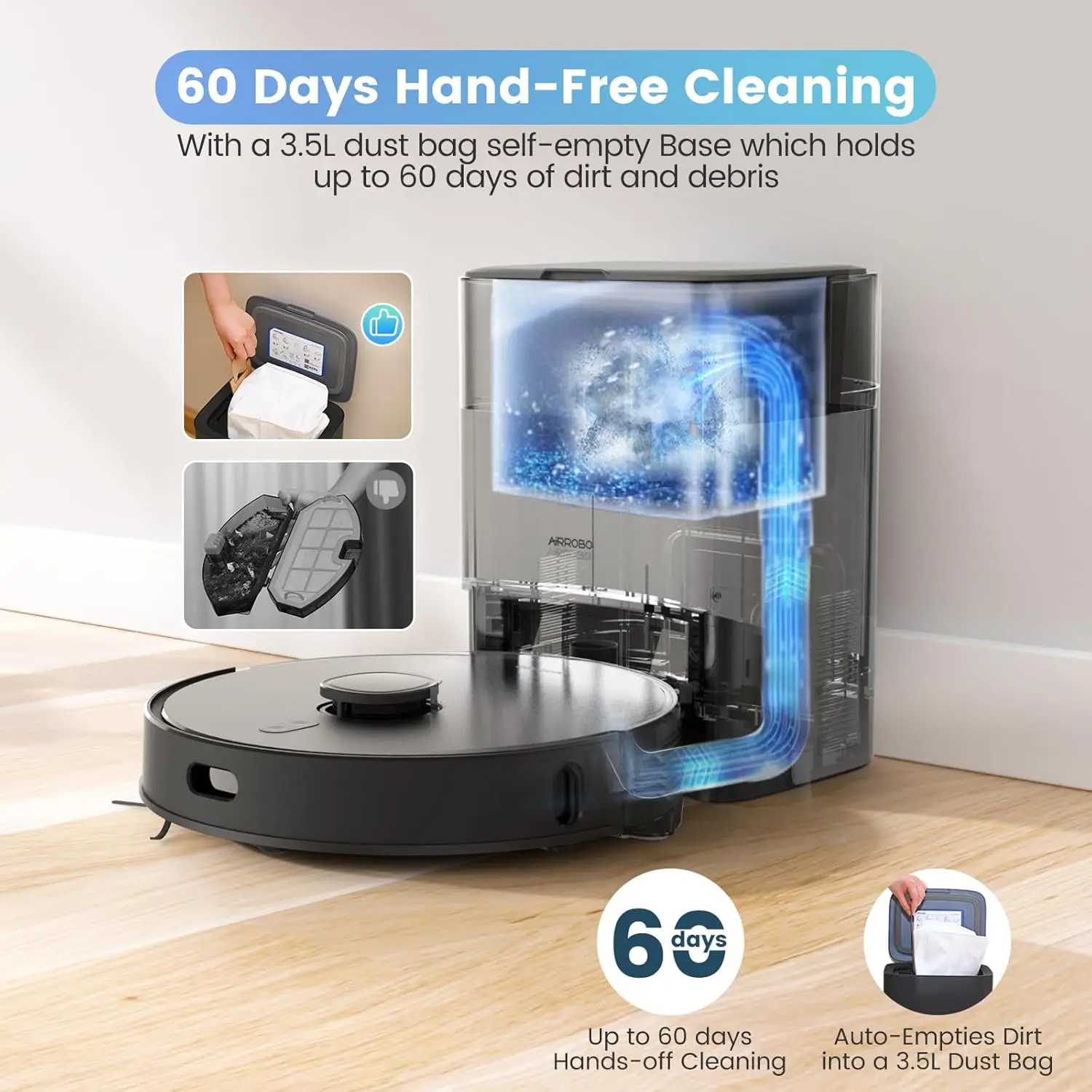
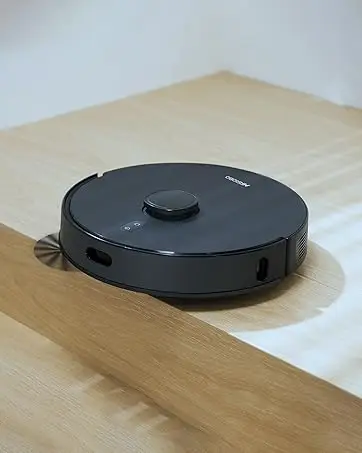
AIRROBO T20 Robot Vacuum & Mop
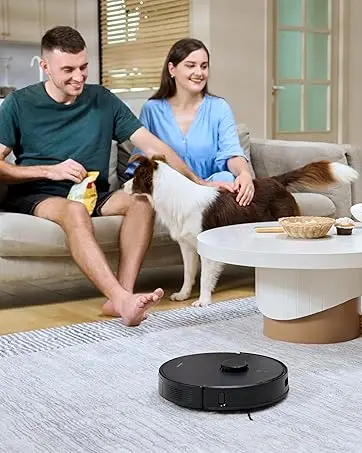
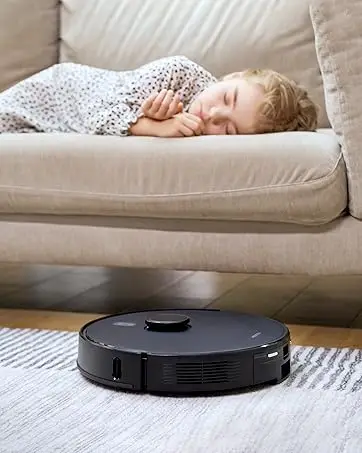
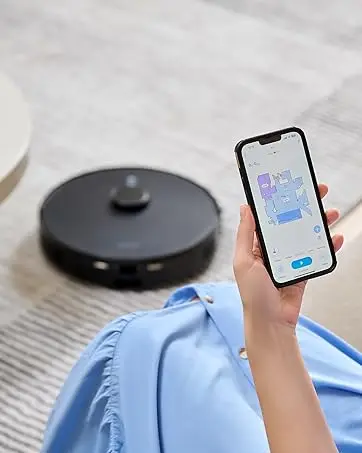
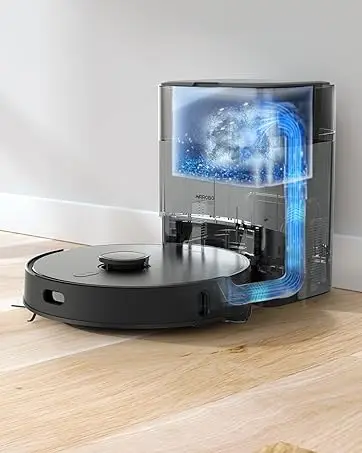
Product Description
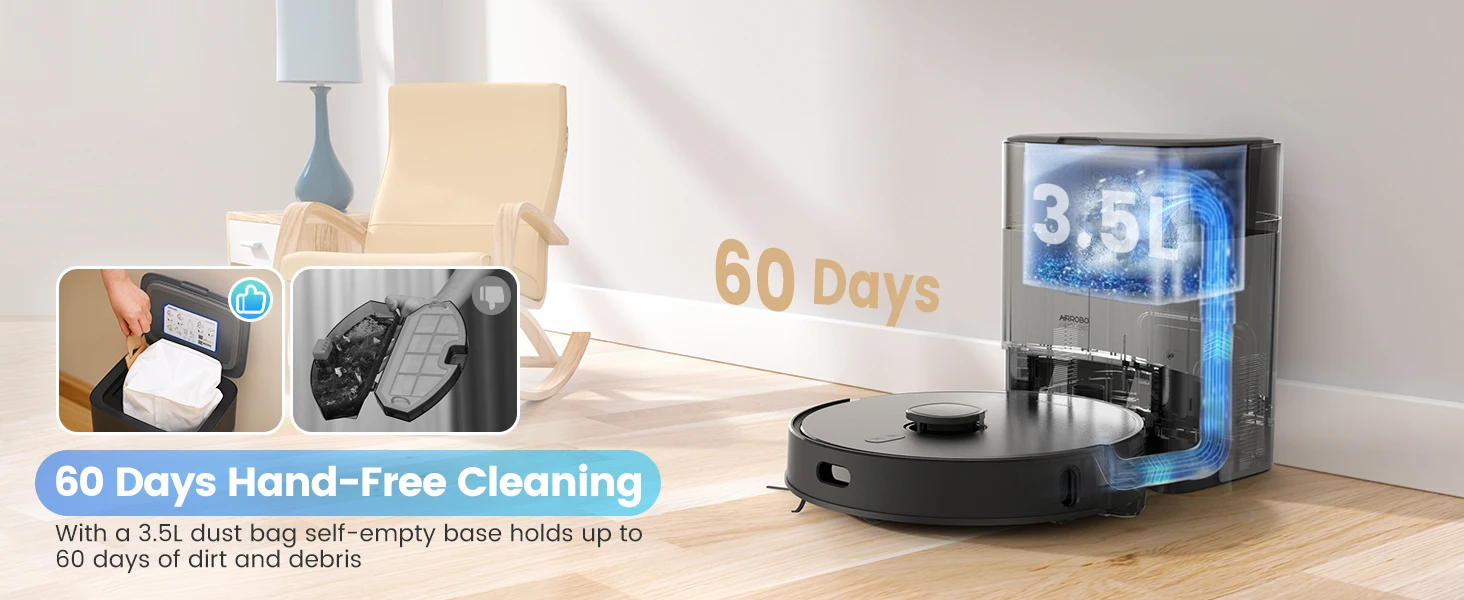
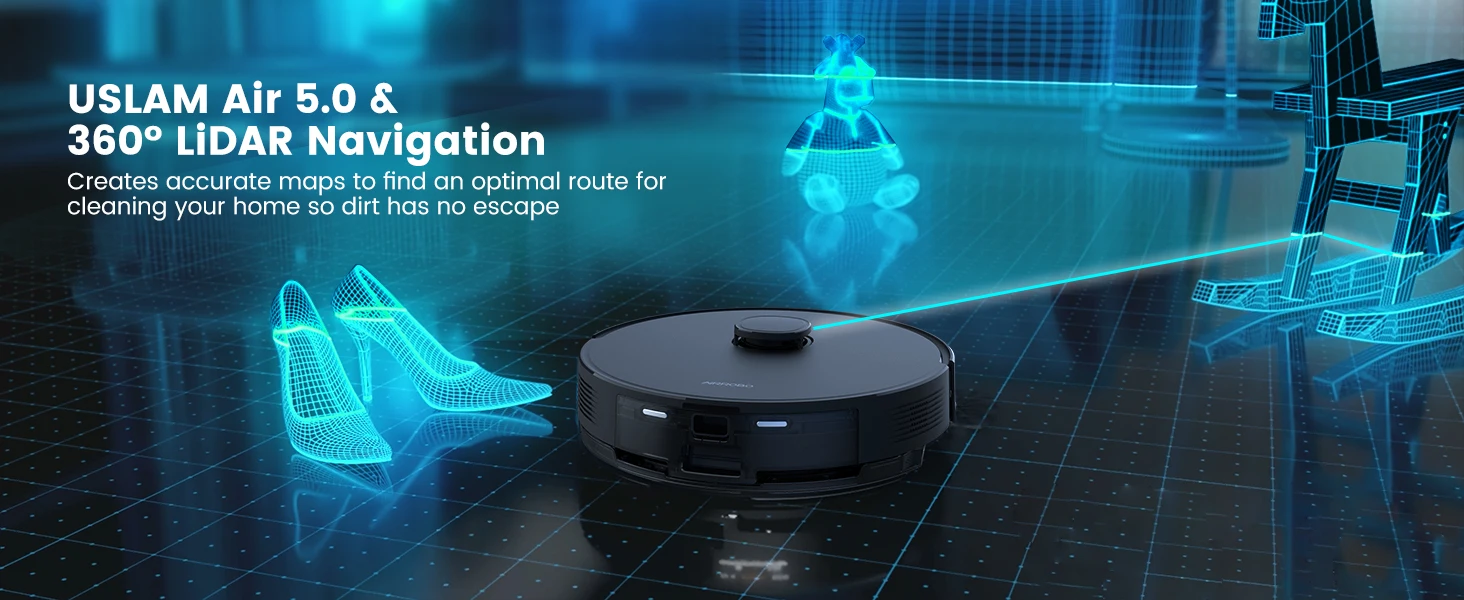
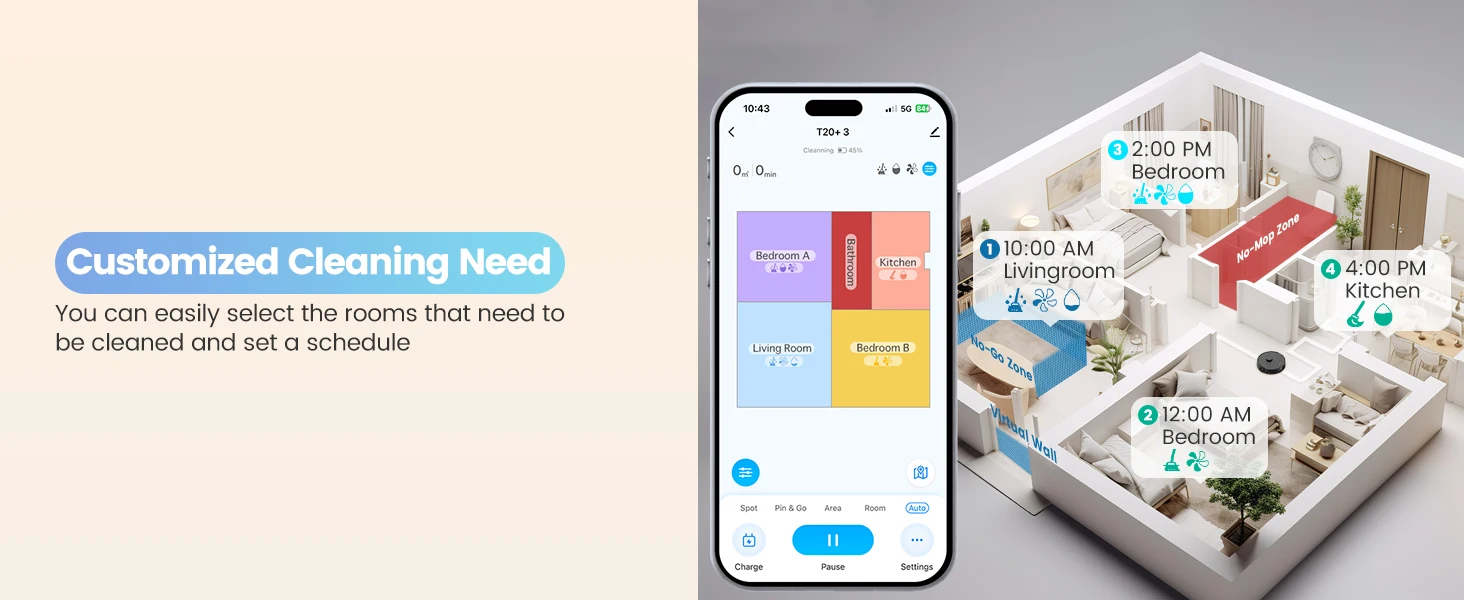
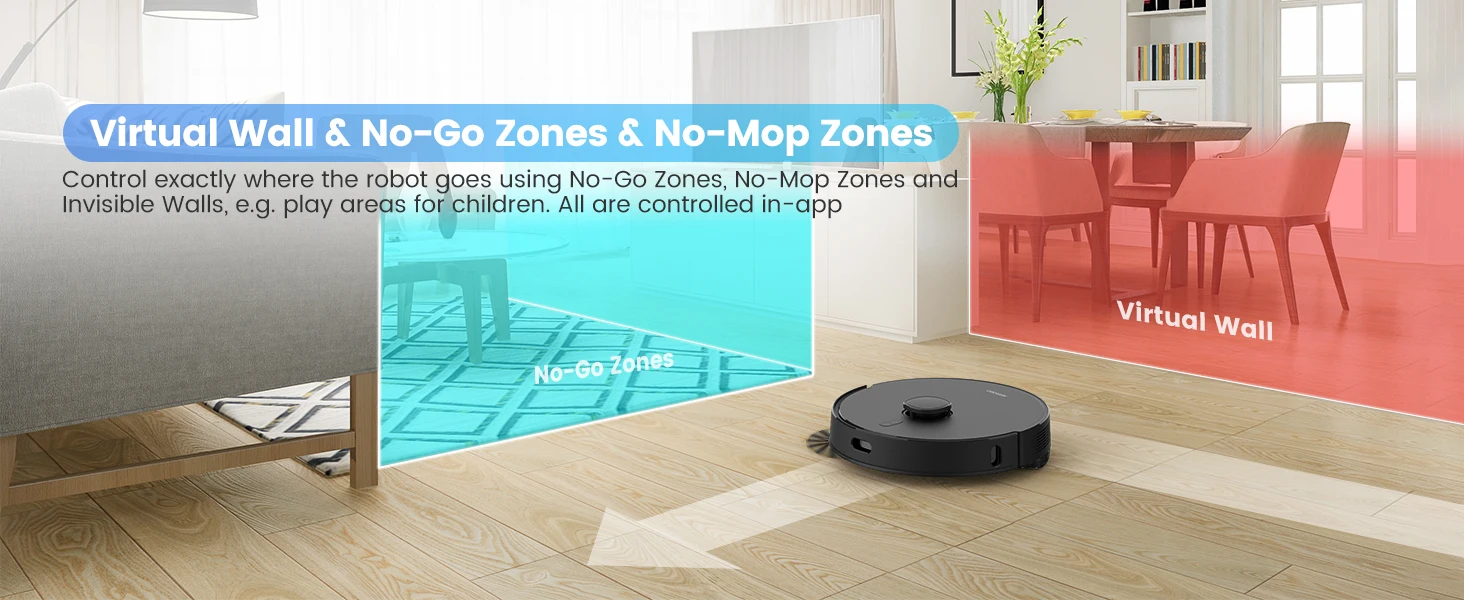
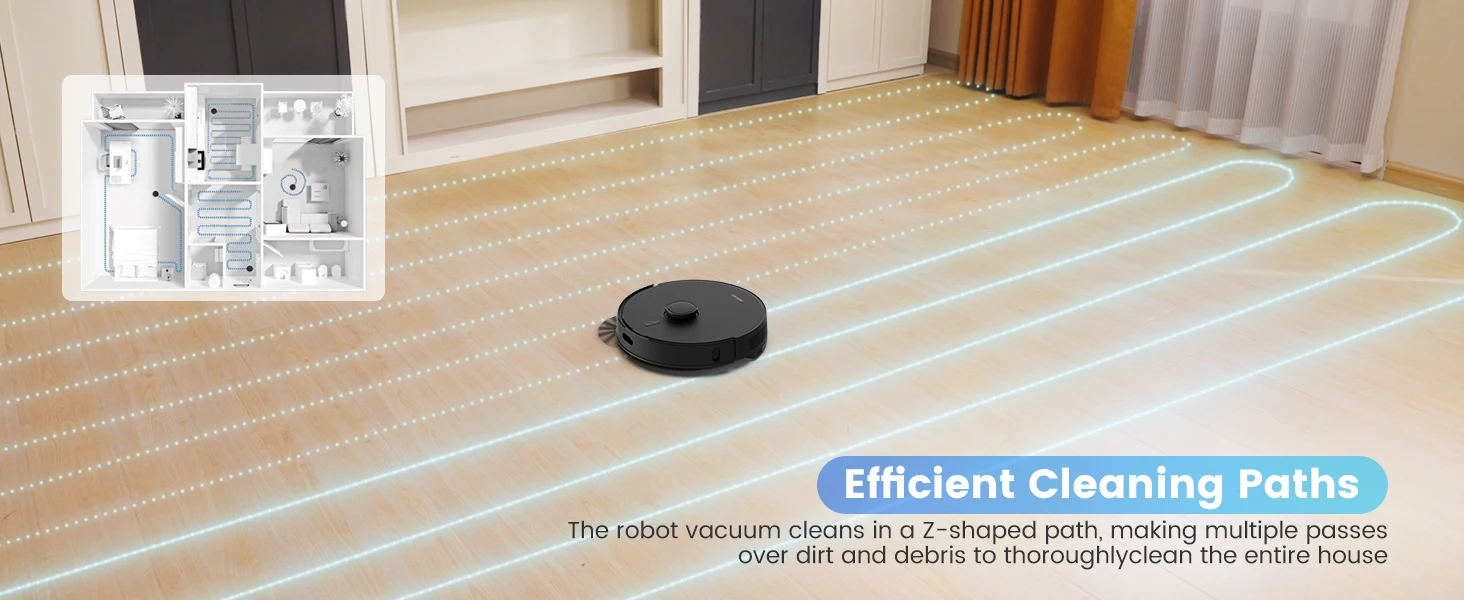
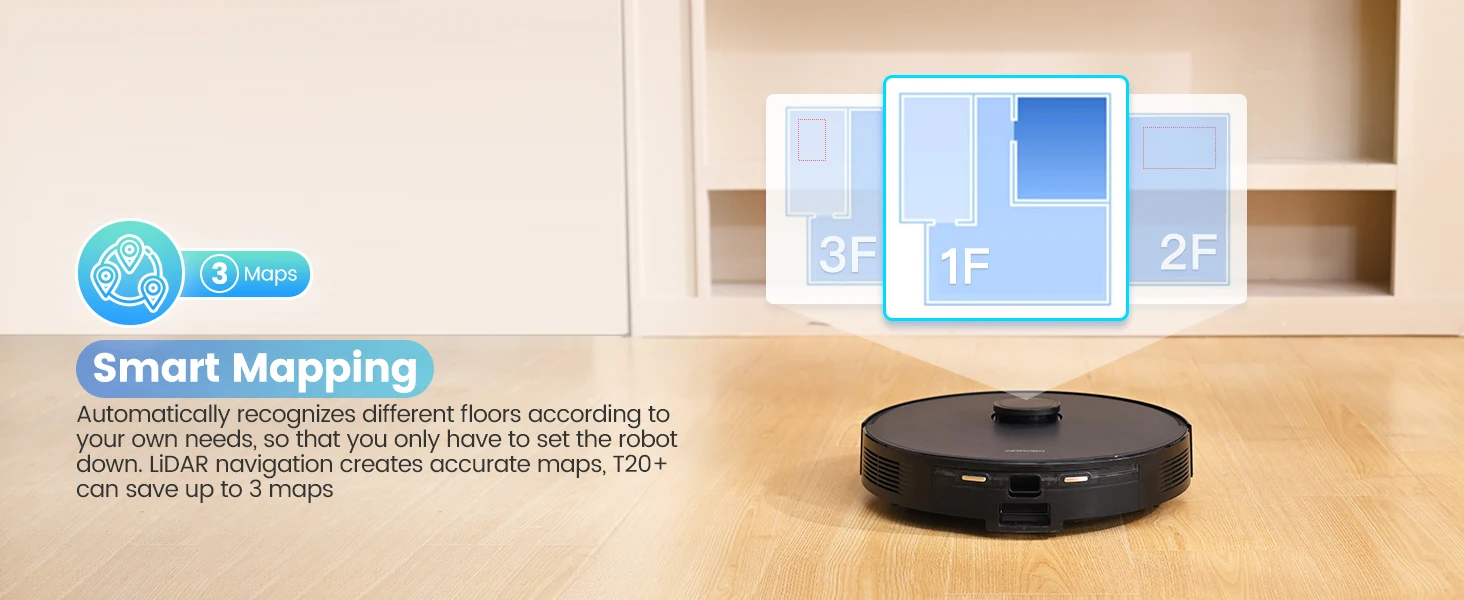
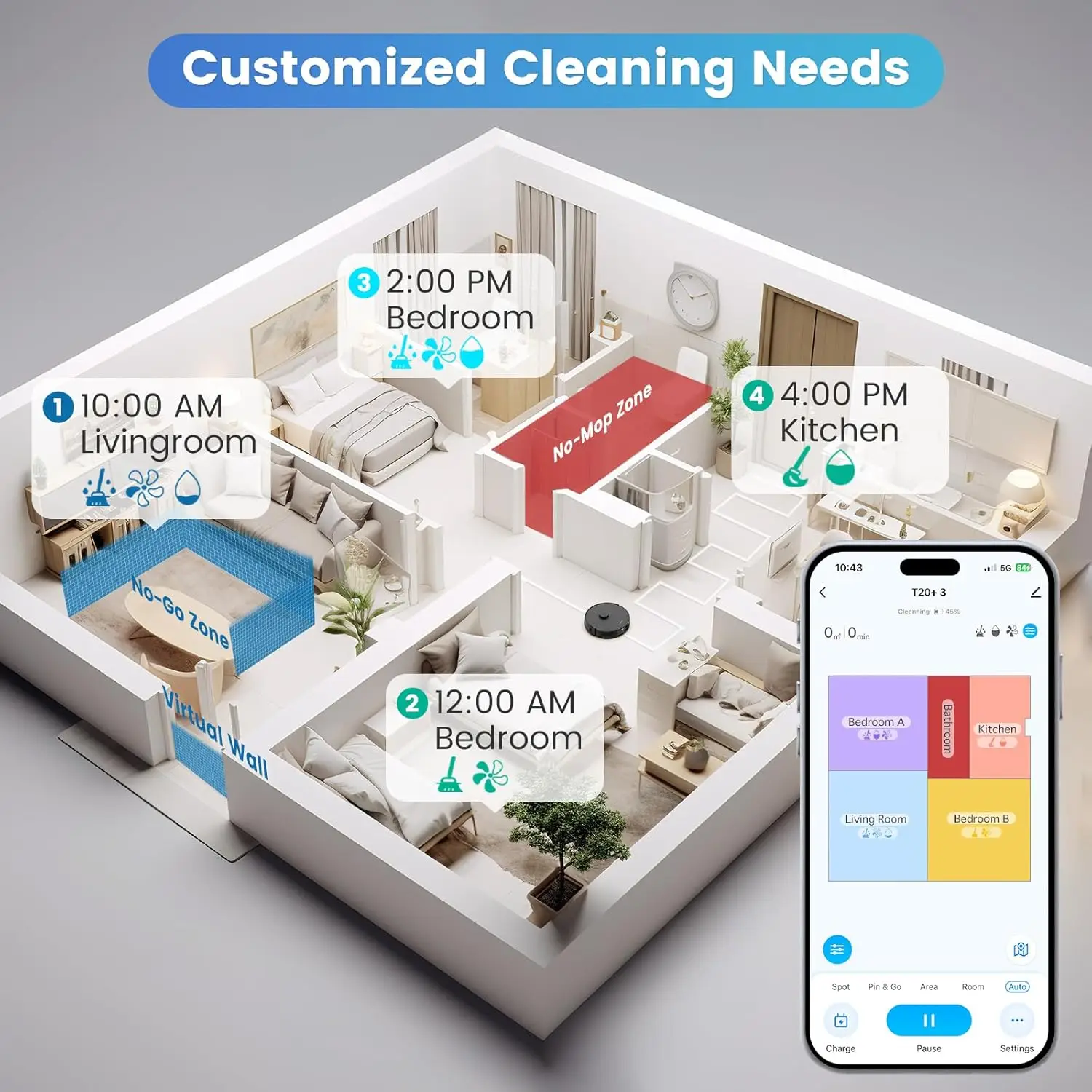
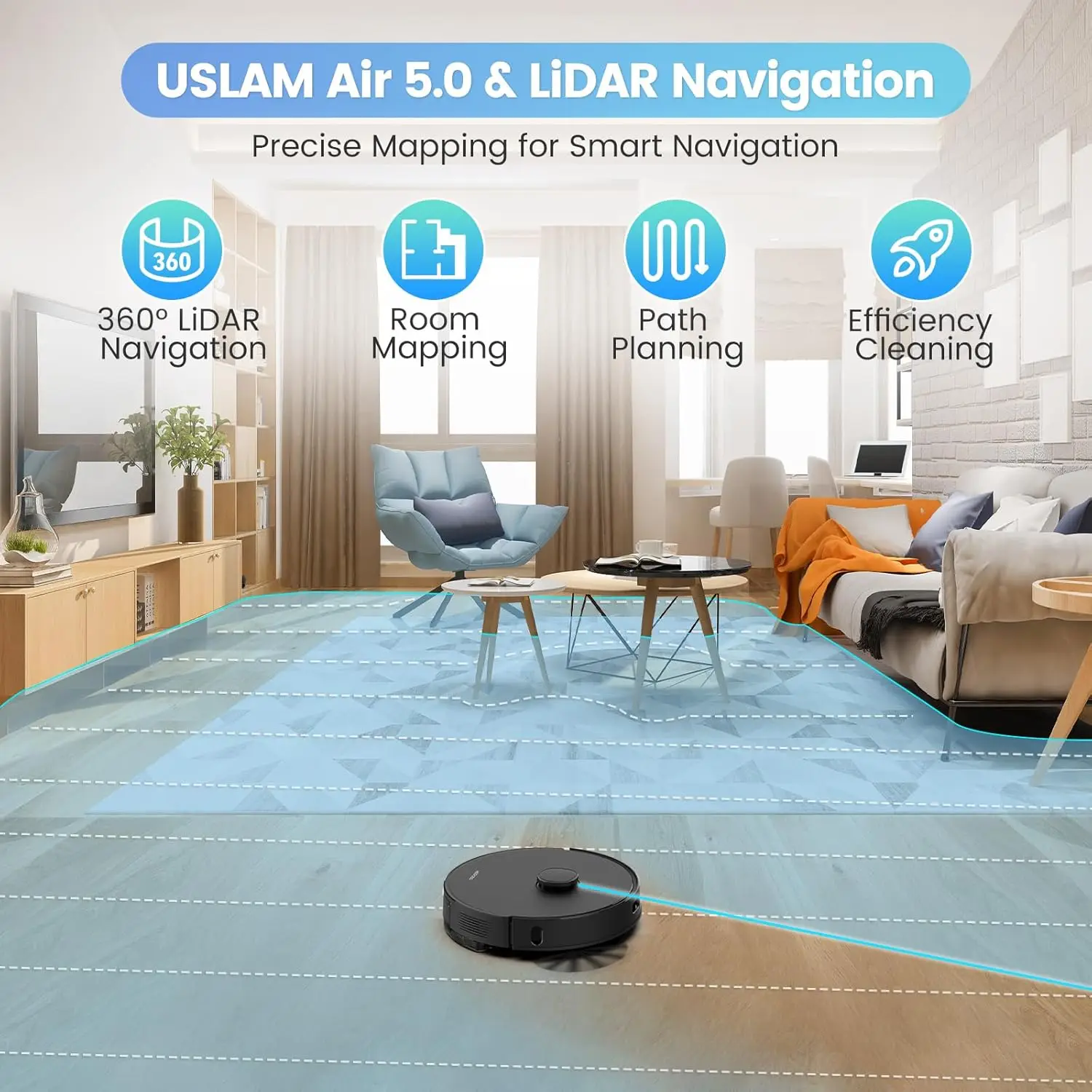
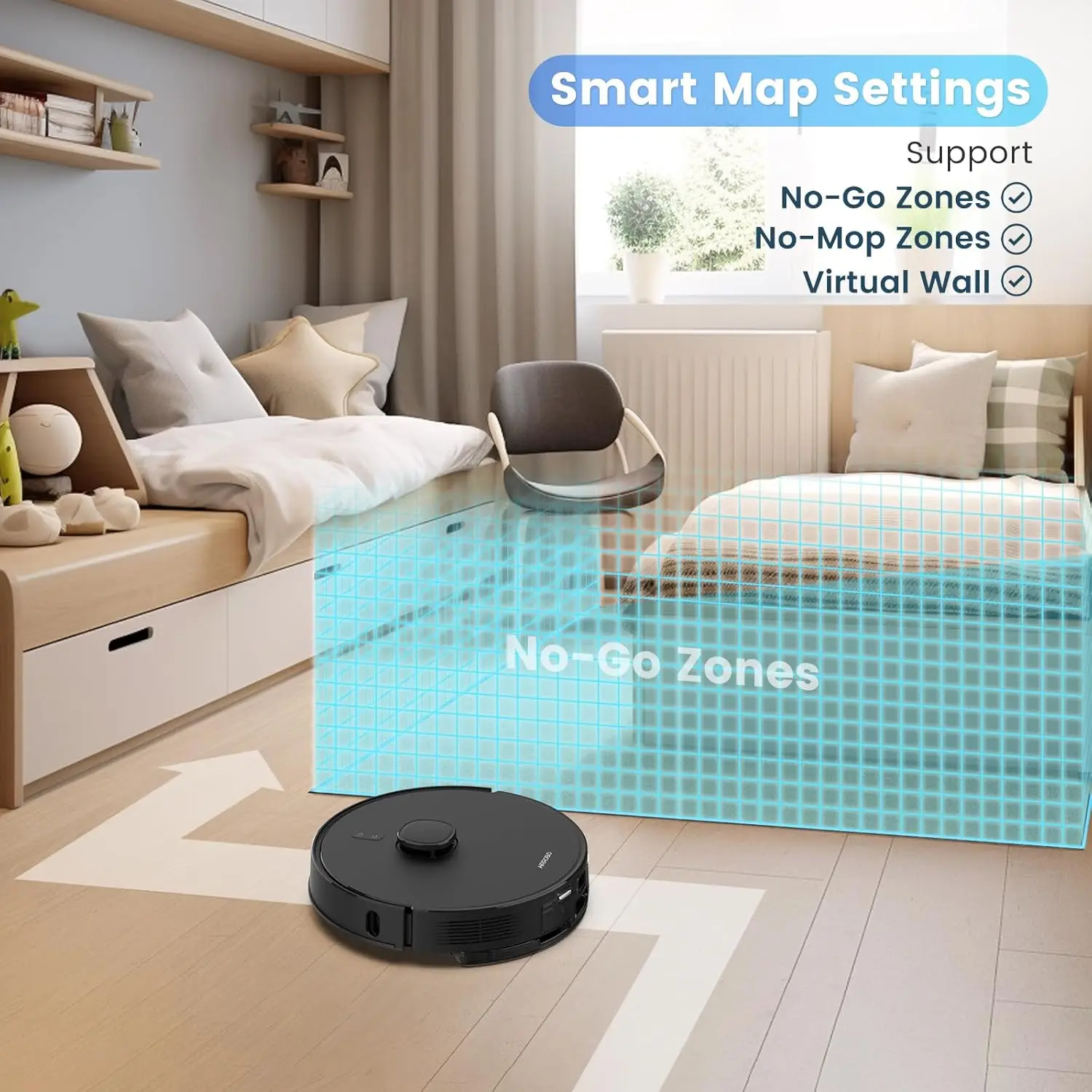
1 App Control 2 Intelligent No-Go Zone 3 Zigzag Cleaning 4 Smart Mapping
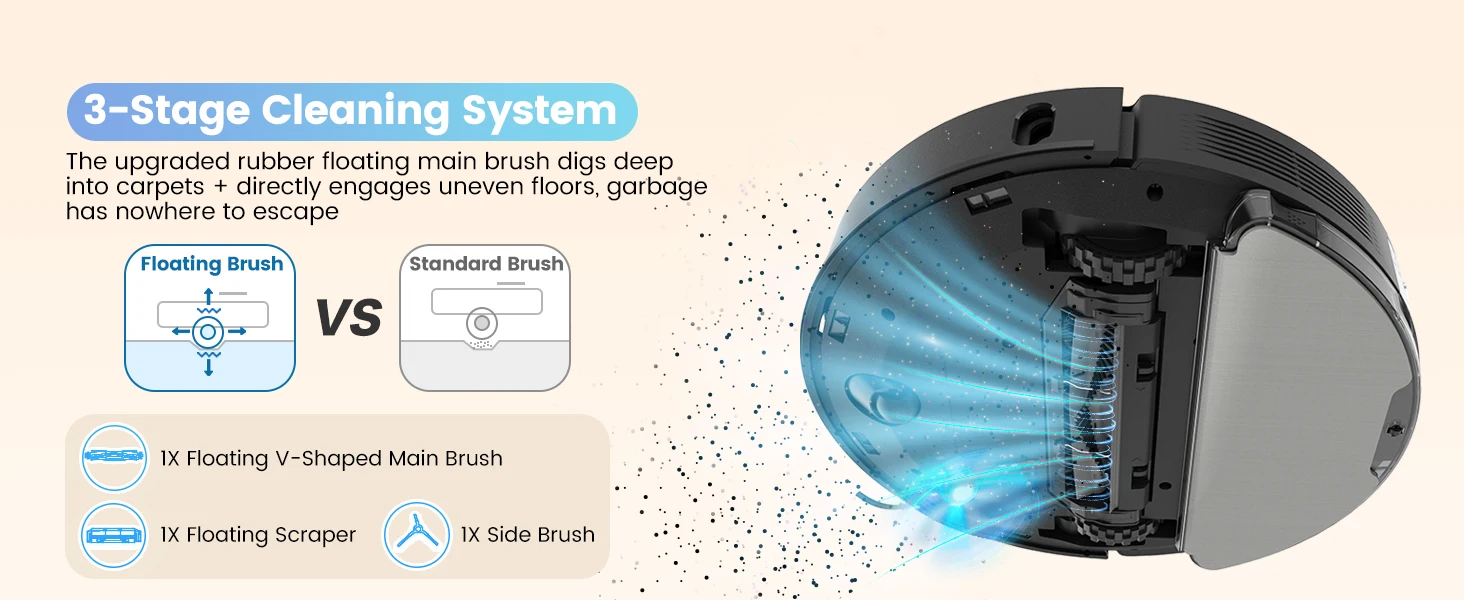
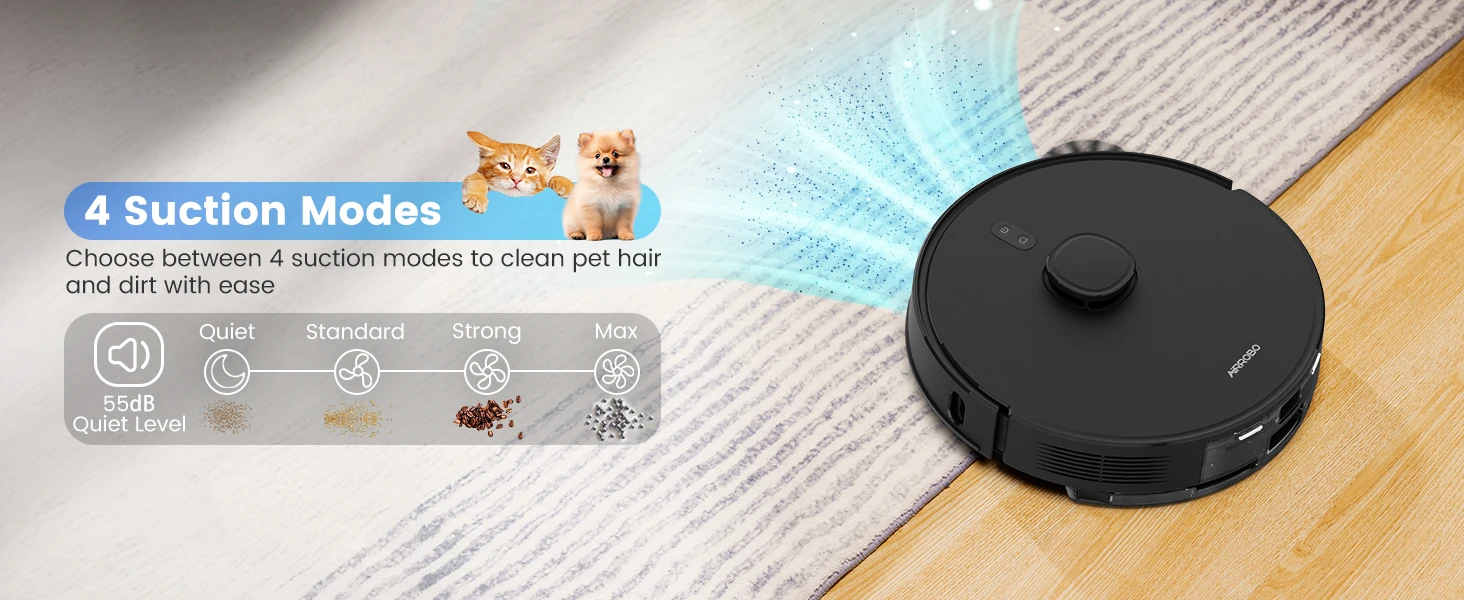
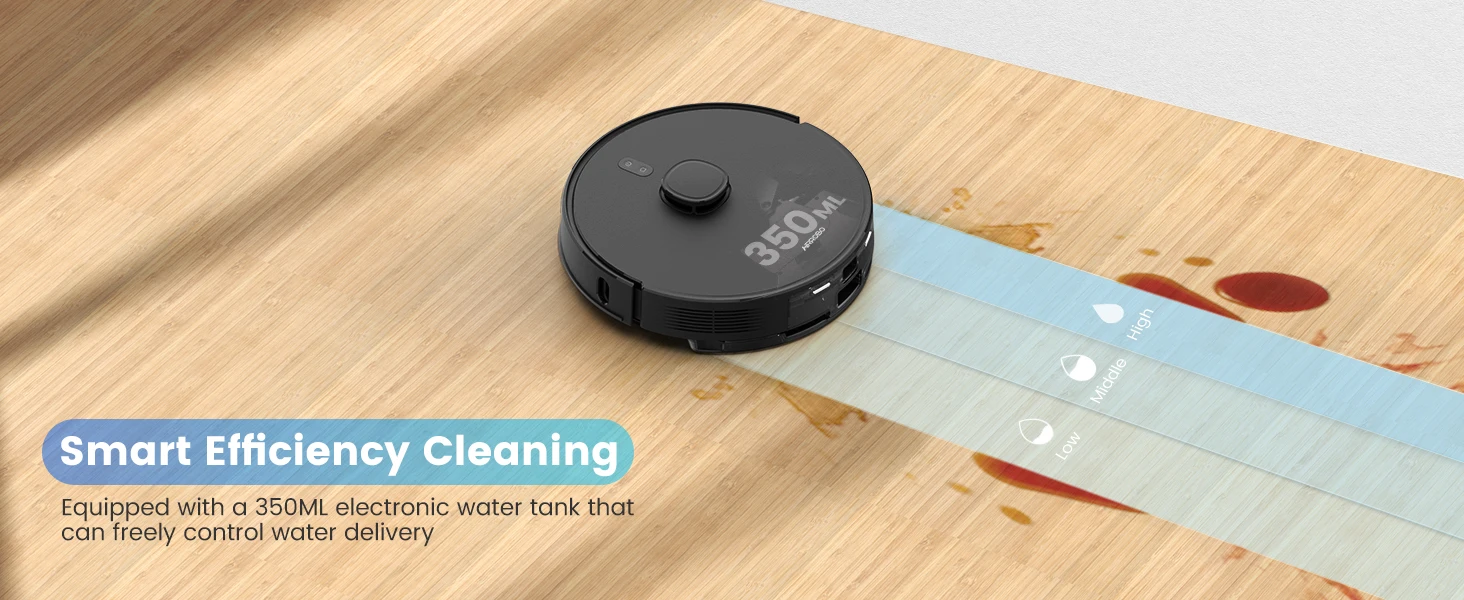
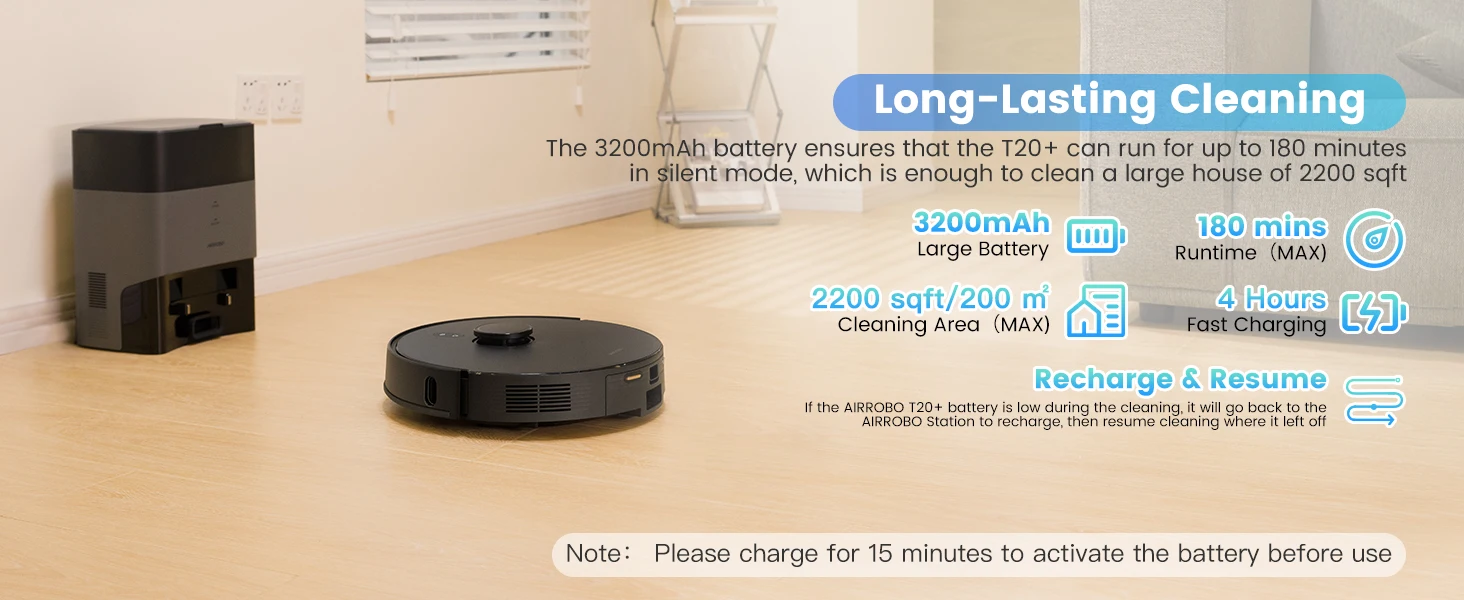
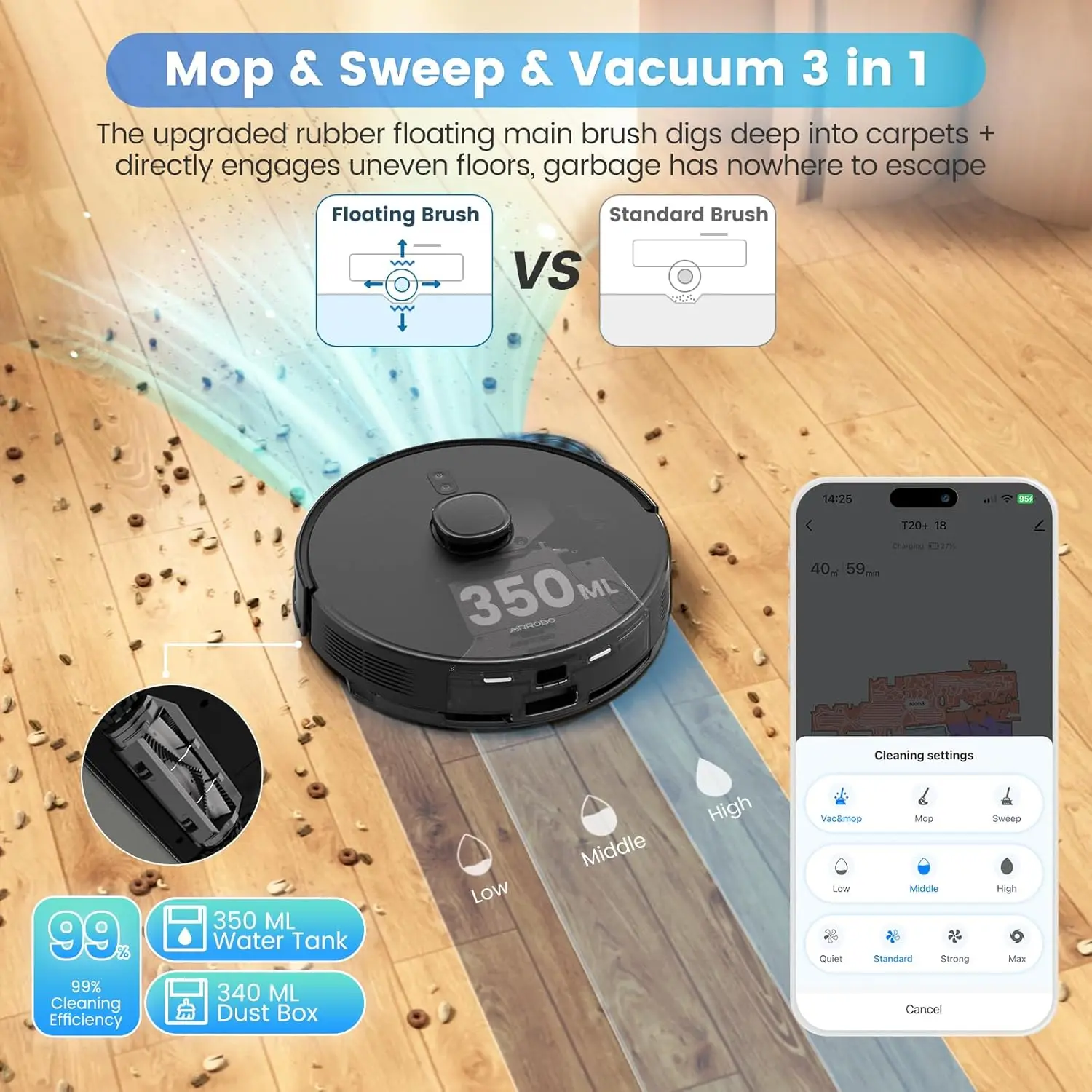
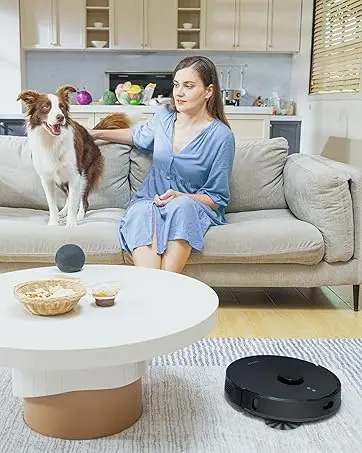
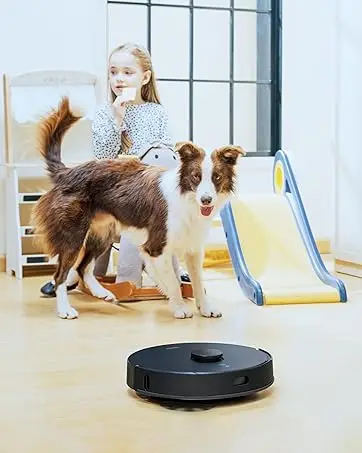
1 ldeal for Carpets 2 ldeal for Pet Owners 3 Mops Like You 4 180 Mins Runtime 5 Upgraded Model
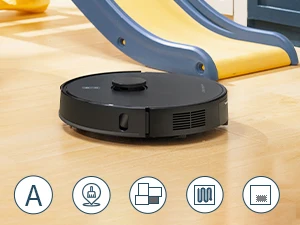
4 Cleaning Modes
Auto: Full-house edge, zigzag cleaning
Spot&Pin&Go: Set point and clean 6.5*6.5ft area
Room: Clean specific segmented room
Area: Clean adjustable area
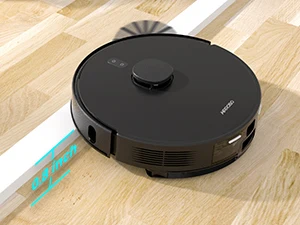
Obstacle Crossing
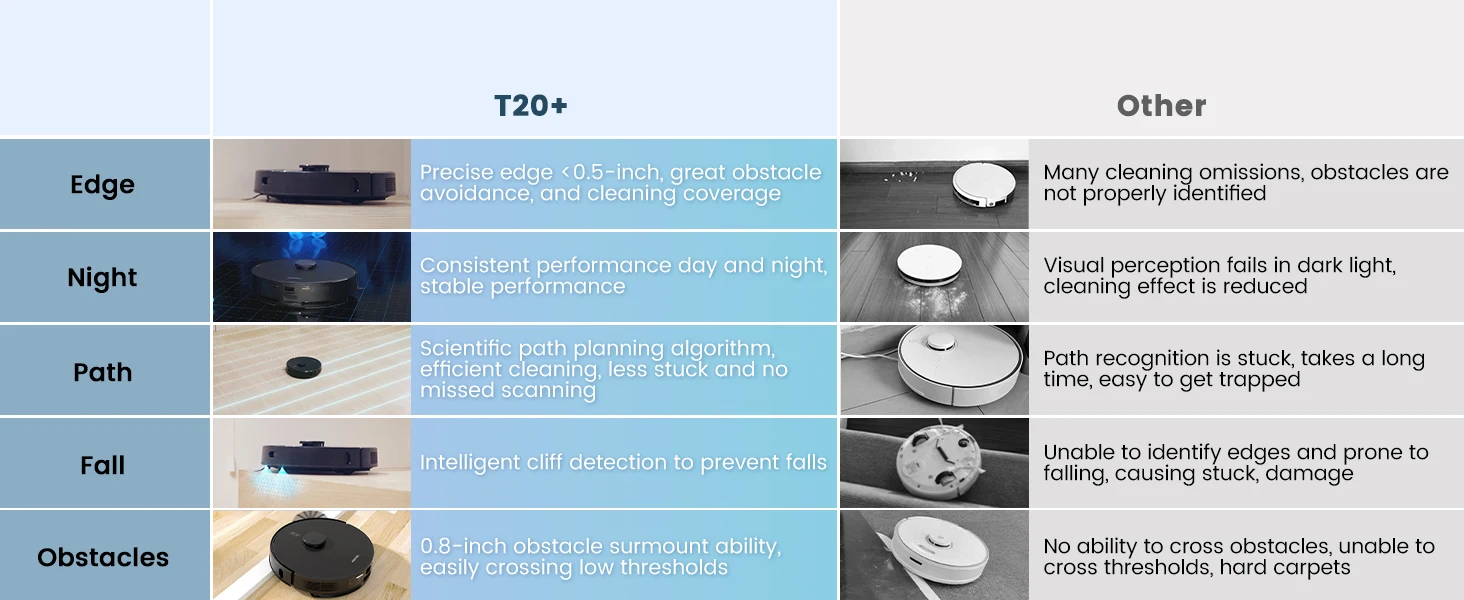
The T20+ robot vacuum cleaner can overcome door thresholds of up to 0.8 inch to overcome all obstacles on the road.
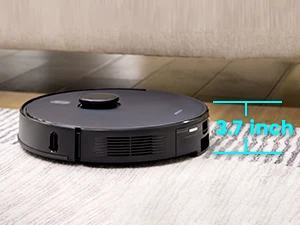
Slim Design
The 3.7-inch slim design helps the robotic vacuum get freely in and out of beds, sofas, and clean every corner and tight space of hidden debris.
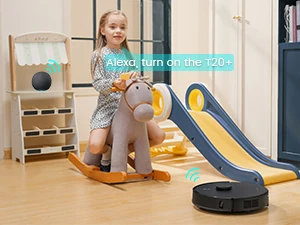
APP/Alexa/Remote Control
You can control the robot to start and stop cleaning via Alexa or Google Assistant.
“Alexa, Turn on the T20+”
How do I connect the T20+ to my phone? Does it support 5GHz WiFi?
Ensure the T20+ robot is working under Wi-Fi networks, download the AIRROBO app from your mobile store, register an account and choose T20+ to connect. Only support 2.4GHz WiFi.
Why can’t I turn on the robot? How do you care for your battery?
Please charge for 15 minutes to activate the battery before use. Please turn off the power when not used for a long time and charge it at least once every 3 months.
How to buy T20+ Replacement / Accessories?
Go to our AIRROBO store homepage and find the T20+ in Robot Vacuum. T20+ Applicable accessories can be purchased directly!
Why can’t the T20+ robot vacuum find its base?
1 Make sure the robot and base are on same hard-level ground (NO Carpet).
2 Remove any obstacles around the base (60inch-front/20inch-side)
3 Clean charging contacts of base and sensors around the robot.
4 Upgrade App to the latest version (2.0.34).
How do I contact AIRROBO?
Contact AIRROBO with your order page, Leave Q&A (specific information) , Tel:+1 8599558668 (9AM to 5PM, Monday to Friday)